In the details
One session. One clear focus.
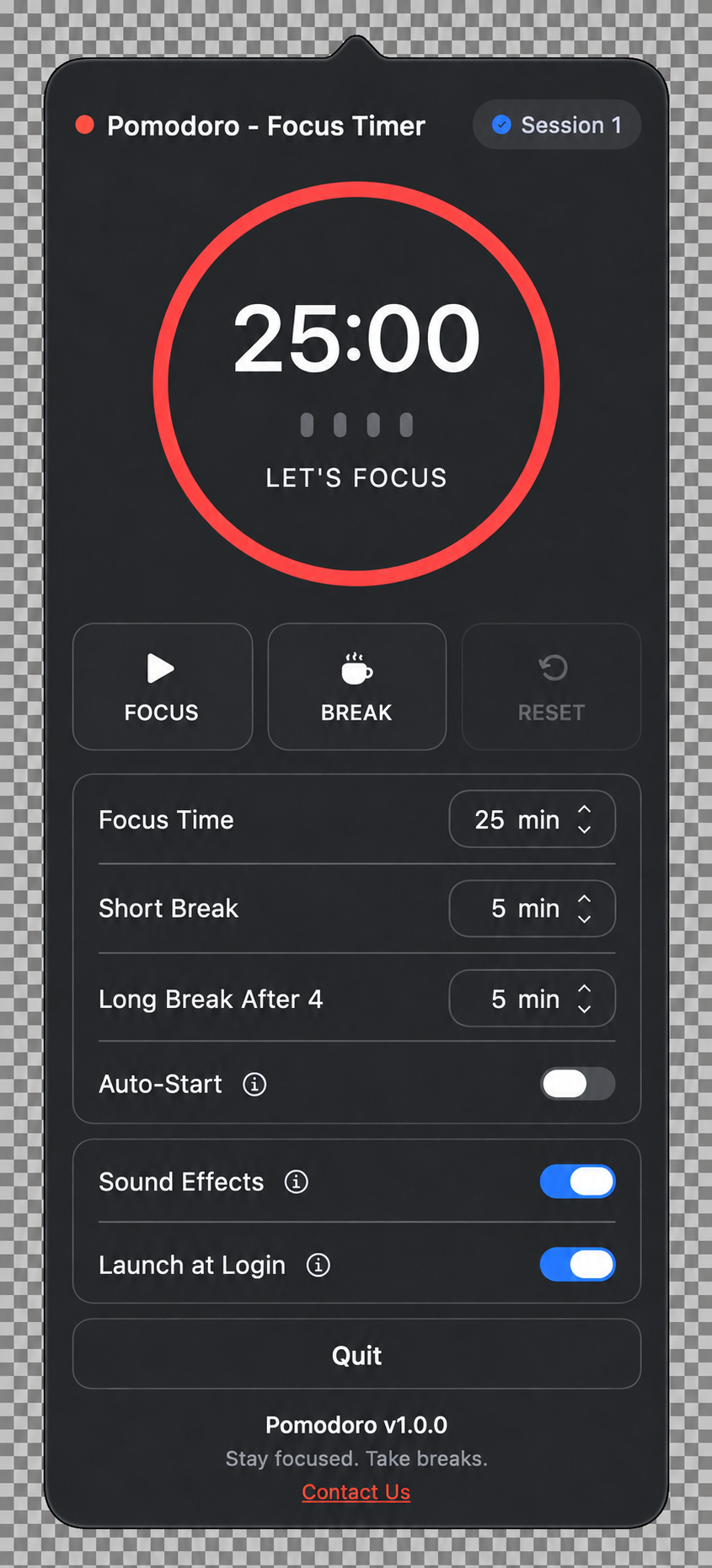
See your remaining time at a glance. Start a focus session or take a break using the controls beneath the timer.

Pomodoro – Focus Timer
A simple focus timer for the way you work. Set your session, settle into one task, and make room for a proper break. Everything stays close at hand in your Mac’s menu bar.
See your remaining time at a glance. Start a focus session or take a break using the controls beneath the timer.
Set your focus time, short break, and longer break. Enable auto-start when you want the next session to begin automatically.
Made for everyday use.
Customize focus sessions, short breaks, and the longer break after a set of sessions.
See your remaining time and open the timer directly from the menu bar.
Start a focus session, take a break, or reset with simple, visible controls.
Turn on auto-start to move between sessions without another click.
Choose whether sound effects accompany your timer.
Enable Launch at Login to keep your focus timer within reach.